
Insights & Inspiration
Everything you need to know about User Private Files and related topics
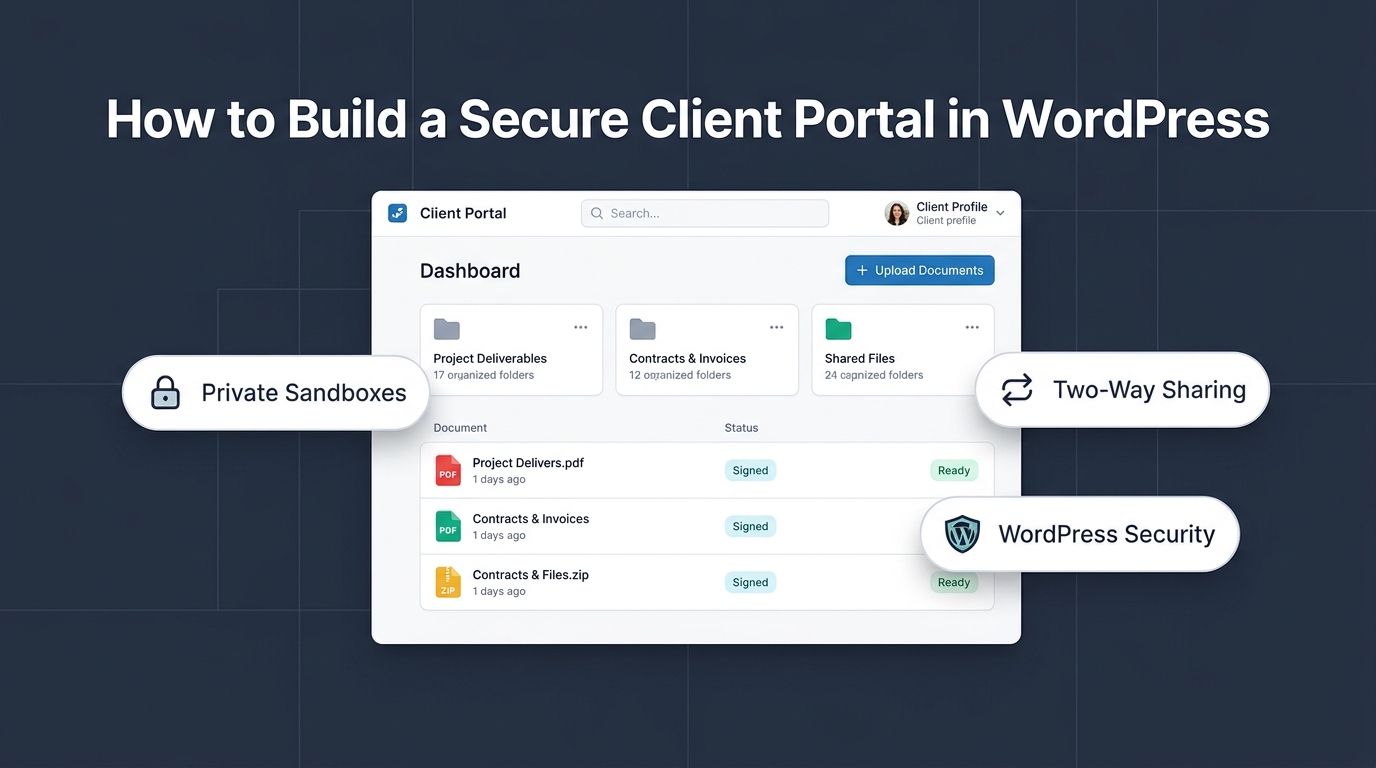
How to Build a Secure Client Portal in WordPress (The Complete Step-by-Step Guide)
If you run a service business—whether as a creative agency, freelance consultant, accountant, lawyer, or property manager, exchanging files with clients is part of your daily routine. Unfortunately, for most businesses, that exchange is messy and fragmented: Critical...
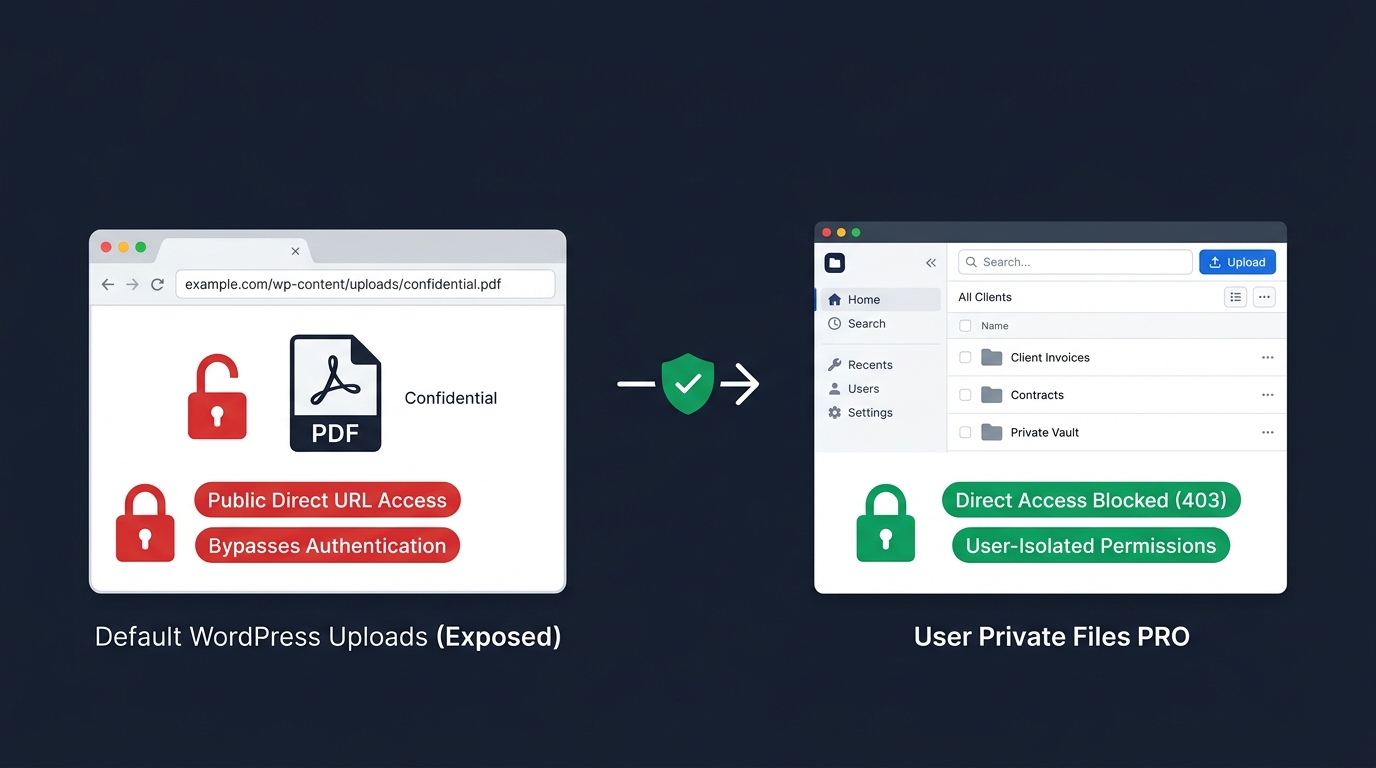
Why Default WordPress Media Uploads Aren’t Truly Private
Imagine this scenario: you run an accounting firm, legal consultancy, or design agency. After onboarding a new client, you generate a confidential proposal containing pricing and banking information, then upload the PDF to your WordPress website. Naturally, the file...
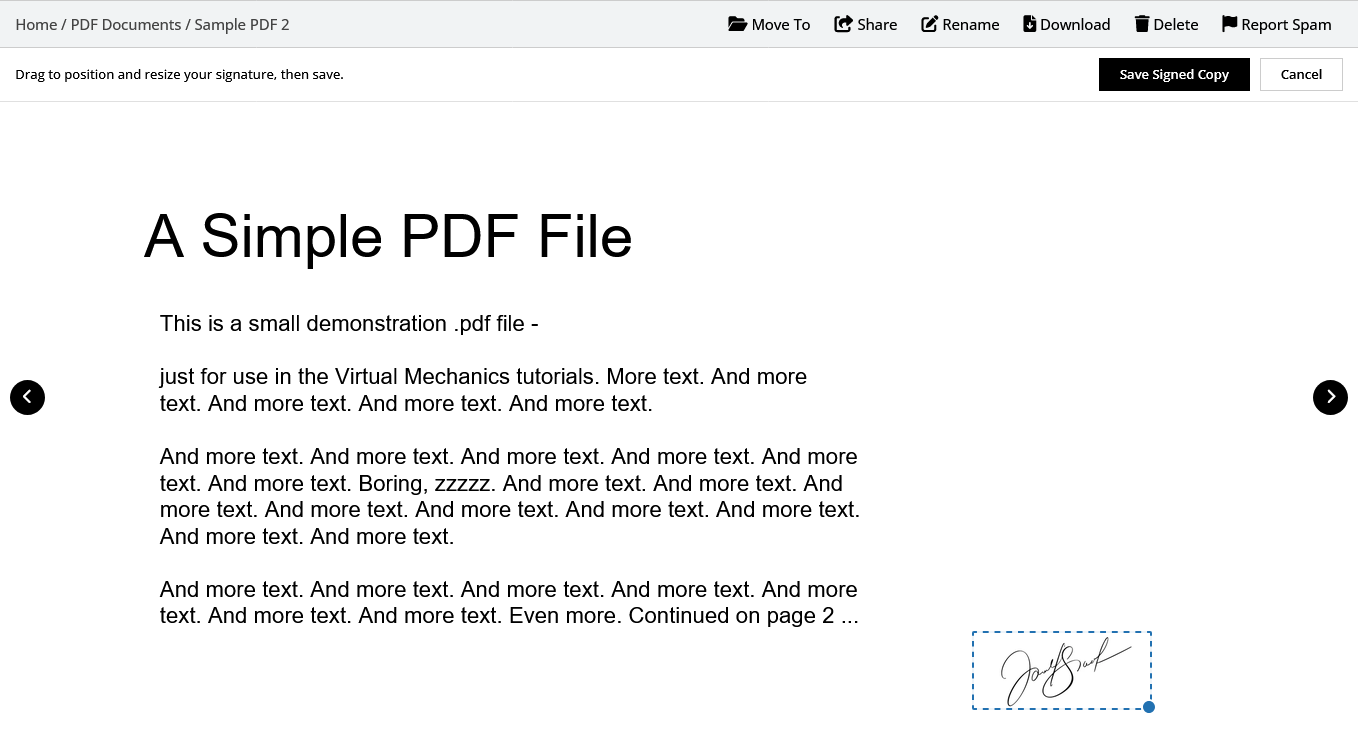
How to Sign PDF Files in WordPress (Step-by-Step E-Signature Guide)
PDF documents are the universal standard for modern business. Whether you are sending client onboarding agreements, freelance proposals, non-disclosure agreements (NDAs), invoices, real estate contracts, or student registration forms, chances are you rely heavily on...
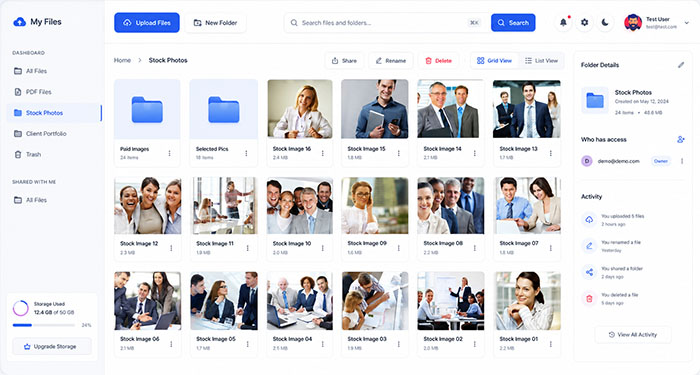
WordPress Private Files: Complete Guide to Securing User Assets
Discover how WordPress private files work and how User Private Files Pro secures user-specific documents, blocks direct file URLs, and creates a private, self-hosted client portal.
User Private Files (UPF) vs Shared Files PRO: Which WordPress File Management Plugin Should You Choose?
When it comes to file sharing and document management in WordPress, two popular plugins stand out — User Private Files (UPF) and Shared Files PRO. Both plugins aim to simplify how you store, organize, and share files with users on your website.But which one is better...
The Best Document Library Pro Alternative for WordPress
If you’re searching for a Document Library Pro alternative, you’re probably looking for a document management plugin that’s more powerful, flexible, and affordable. While Barn2’s Document Library Pro has gained popularity, many WordPress site owners are discovering...

What are Premade folders and how to create one
Premade folders are the folders that you (admin) create for users in a specific role or all-users on your WordPress website. When you create a premade folder for a role (e.g. subscriber) - all the subscriber users will see this folder in their file manager on the...

Simplify File Management in WordPress
Managing files efficiently is crucial for both individuals and businesses. Whether you're sharing documents, images, videos, or document files, a reliable solution is essential. This is where a WordPress file management plugin can revolutionize your file handling...

Case Study: BartonMarine.com
Introduction Barton Marine, a premier provider of innovative and high-quality marine equipment, has integrated the User Private Files WordPress plugin to streamline its file management system. This case study explores how BartonMarine.com utilizes the plugin to manage...

Case Study: LinkeGreen Sustainability and Green Initiatives
Introduction LinkeGreen.it, a leading platform dedicated to promoting sustainability and green initiatives in Italy, has leveraged the User Private Files WordPress plugin to enhance its content delivery and user engagement. This case study explores how LinkeGreen.it...